
LogoDirHunt AI
xtty logo

xtty

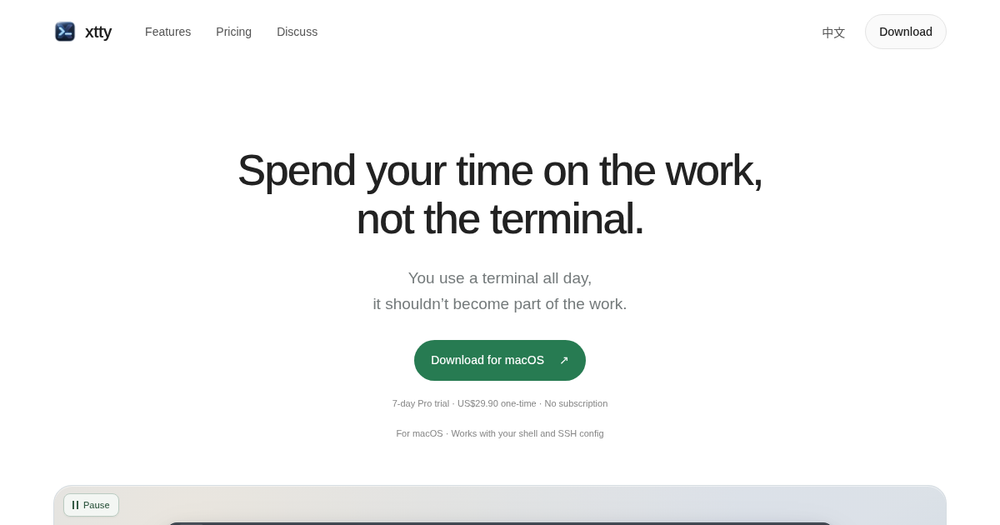
xtty: Connect to your machines, move files, continue sessions, and know when your coding agents need you.

Our verdict

Best for: Mac users who want a polished SSH terminal without a subscription

A clean alternative to subscription terminals if you live in SSH on a Mac. Free is usable; Pro’s one-time $29.90 is easy to evaluate during the trial.

Free planYes
Paid plans from$0/mo
Last verifiedOctober 22, 2026
Reviewed byDirHunt AI EditorialDirHunt AI Editorial

Introduction

xtty is a native macOS terminal focused on SSH sessions, file transfer, autofill and awareness of coding agents. It reduces repetitive remote-work steps with saved hosts, rz/sz transfers, password automation and duplicate tabs.

Pricing: Free for everyday local and SSH use with a 7-day Pro trial, then Pro for US$29.90 one-time (no subscription) for up to 2 Macs and future major updates.

Information

  • Websitextty.sh
  • Published date2026/10/22

What xtty can do

01

Native macOS terminal

Local shell plus SSH workflows.

02

Pro remote helpers

Saved hosts, rz/sz transfer, password automation, duplicate tabs.

03

Agent status awareness

Know when coding agents need you.

04

One-time Pro

US$29.90 once for up to 2 Macs after a 7-day trial.

Pros

  • Free tier + 7-day Pro trial
  • One-time Pro price
  • Up to 2 Macs on Pro
  • No subscription

Cons

  • macOS only
  • Pro needed for heavier SSH automation
  • Taxes shown at checkout

xtty pricing

xtty is free to start with a 7-day Pro trial, then US$29.90 one-time for Pro on up to 2 Macs.

PlanPrice
Free$0
Pro$29.90
View official pricingPricing verified on October 22, 2026.

Alternatives to xtty

Cursor logo

Cursor

An AI code editor for developers who write and own the code themselves.

GitHub Copilot logo

GitHub Copilot

An AI pair programmer inside existing IDEs.

xtty FAQs

Sources

Facts checked on October 22, 2026.

Latest Articles

Newsletter

Join the Community

Subscribe to our newsletter for the latest news and updates