By Yang Dan, DirHunt editor. Yang reviews creative and productivity software for DirHunt, reading vendor pricing pages, edition comparisons and documentation line by line, and re-checks every published roundup against the official sites at least once a quarter. Last updated October 31, 2026.
The best music production software is the digital audio workstation (DAW) that fits how you make music: loops and live sets, beats, songwriting, band recording, or sound design. Every DAW below can take a track from idea to finished mix. What differs is workflow, platform, license model and price, so this guide focuses on those, with prices read from official pages on October 31, 2026.
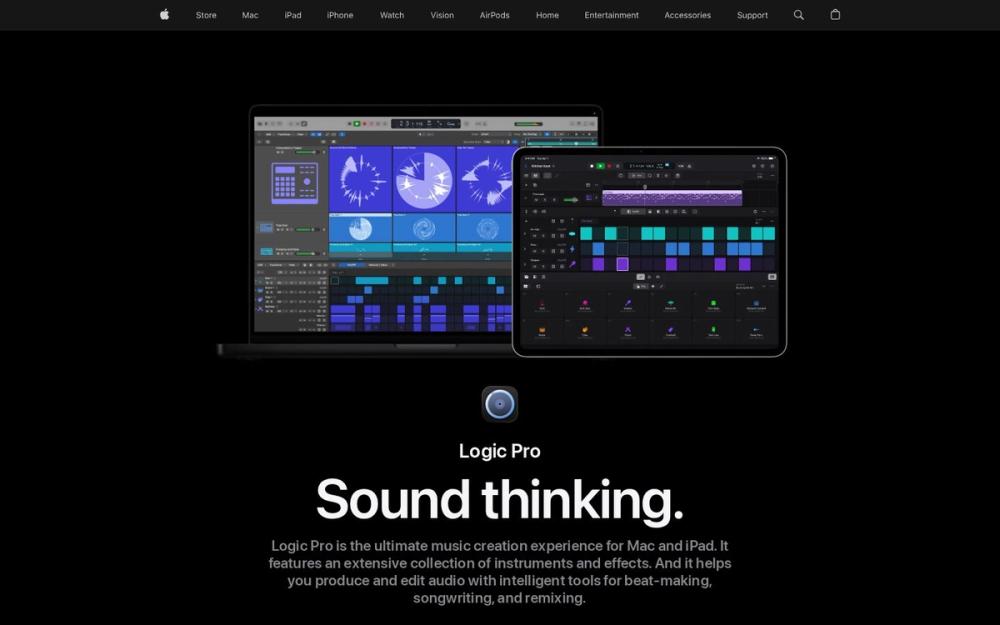
Caption: apple.com/logic-pro on Oct 31, 2026, showing the Logic Pro interface.
Quick picks: the best music production software in 60 seconds
| DAW | Best for | Price (as of Oct 31, 2026) | Platforms |
|---|---|---|---|
| Ableton Live 12 | Electronic music and live performance | Intro $99, Standard $349, Suite $749 | Windows, macOS |
| FL Studio | Beats, hip-hop, pattern-based production | From $99, lifetime free updates | Windows, macOS |
| Logic Pro | Songwriting and mixing on a Mac | $199.99 one-time | macOS (iPad version by subscription) |
| Pro Tools | Recording bands and studio engineering | Intro free; Artist $99/yr; Studio $299/yr | Windows, macOS |
| Bitwig Studio 6 | Sound design and modulation | Essentials $99, Producer $199, Studio $399 | Windows, macOS, Linux |
| REAPER | Best value, deep customization | $60 discounted / $225 commercial | Windows, macOS, Linux |
| GarageBand | Absolute beginners on Apple devices | Free | macOS, iOS |
How we evaluated
This is a docs-verified roundup, not a lab test. On October 31, 2026 we read each vendor's shop, edition-comparison and license pages, captured the official sites, and compared our picks with three current competitor guides (MusicTech, MusicRadar and Open Music Business). We did not install the DAWs for this article, so we do not claim hands-on testing.
We weighed five things:
- Workflow: clip/session view, pattern sequencing, or linear tape-style recording.
- License model: perpetual with lifetime updates, perpetual with a limited update window, or subscription.
- Track and input limits on entry editions.
- Stock instruments and effects you get without buying plugins.
- Platform: Mac only, Windows and Mac, or Linux too.
License models matter more than headline price
- Lifetime updates: FL Studio promises free updates for the edition you buy; Logic Pro updates have been free since purchase.
- Limited update window: Bitwig includes 12 months of updates; REAPER licenses cover the current major version range.
- Subscription: Pro Tools paid tiers are annual subscriptions; stop paying and you lose the paid features.
- Free: GarageBand and Pro Tools Intro cost nothing.
1. Ableton Live 12 — best overall for electronic music and live sets
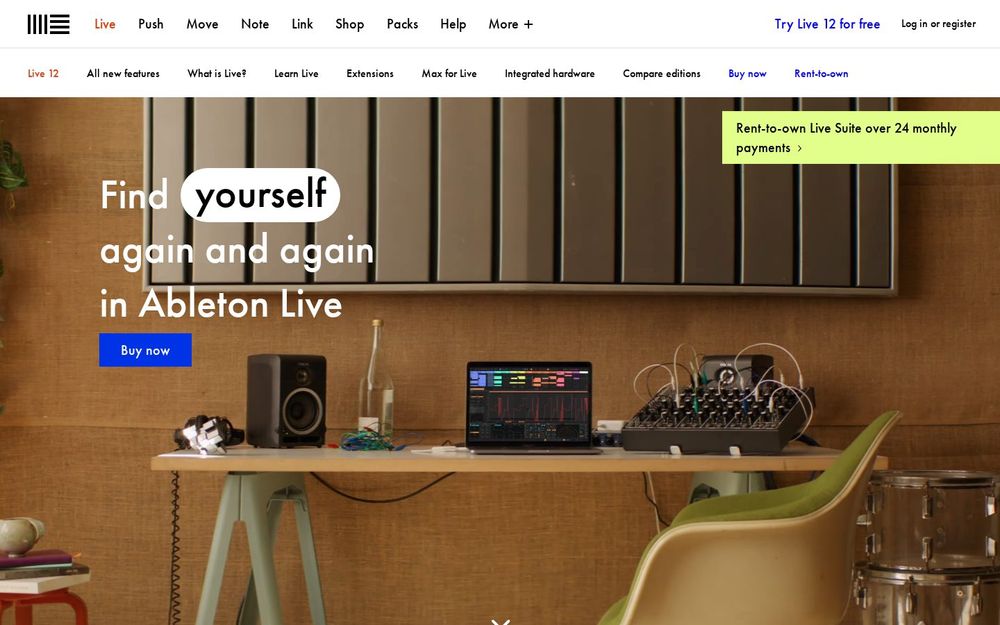
Caption: ableton.com/live on Oct 31, 2026.
Verdict: Live's Session View lets you launch clips and jam ideas before you arrange them, which is why it dominates electronic production and live performance.
Key features: Session and Arrangement views, MIDI generators and transformations, Meld and Wavetable synths, Max for Live in Suite, Push and Move hardware integration.
Pricing (as of Oct 31, 2026): Live 12 Intro (16 tracks, 5+ GB of sounds) USD 99; Standard (38+ GB) USD 349; Suite (71+ GB, Max for Live, all instruments and effects) USD 749. Ableton also offers rent-to-own for Suite over 24 monthly payments, and a 30-day free trial.
Pros
- Fastest workflow for sketching loops and performing live
- Excellent stock devices, especially in Suite
- Huge learning community
Cons
- Intro's 16-track cap fills up quickly
- Suite is expensive
- Traditional audio editing and comping are less refined than Logic or Pro Tools
Best for: electronic producers, DJs, live performers. Skip if: you mainly record live bands.
What we noticed (docs check, Oct 31, 2026): ableton.com/shop/live lists Intro at "16 tracks and 5+ GB of sounds", which is the key limit to check before choosing the cheapest edition.
Official site: ableton.com
2. FL Studio — best for beats and hip-hop

Caption: image-line.com/fl-studio on Oct 31, 2026.
Verdict: FL Studio's step sequencer and piano roll make beat-making fast, and the lifetime free updates policy makes it one of the best long-term values in music software.
Key features: pattern-based playlist, piano roll, stem separation, FL Cloud sounds, the Gopher AI assistant, a fully functional trial.
Pricing (as of Oct 31, 2026): Image-Line's compare page shows editions from $99 (Fruity) up through Producer, Signature Bundle and All Plugins Edition. All editions include Lifetime Free Updates. Exact upper-tier prices vary by region, so check image-line.com.
Pros
- Lifetime free updates
- Very fast for drums and melodies
- Trial saves projects (re-opening them needs a license)
Cons
- Fruity Edition cannot record audio, so most buyers need Producer or higher
- Mixer routing feels different from console-style DAWs
- Less common in commercial recording studios
Best for: beatmakers, hip-hop and trap producers, beginners on Windows. Skip if: you track full bands.
What we noticed (docs check, Oct 31, 2026): the FL Studio compare page calls Producer Edition "the best choice for beginners", matching the common advice to skip Fruity if you plan to record vocals.
Official site: image-line.com/fl-studio
3. Logic Pro — best value for Mac songwriters
Verdict: For $199.99 once, Logic Pro gives you a professional DAW with a massive sound library, Session Players and Stem Splitter. If you are on a Mac, it is the easiest recommendation in music software.
Key features: Session Players (AI drummer, bass and keyboard players), Stem Splitter, Flex Time and Flex Pitch, Dolby Atmos mixing, Live Loops, free Logic Remote app.
Pricing (as of Oct 31, 2026): Apple lists Logic Pro for Mac as a standalone app for $199.99 and MainStage for $29.99. Logic Pro for iPad is a subscription at $12.99/month or $129/year after a trial.
Pros
- Outstanding value for a one-time price
- Big library of instruments and loops included
- Strong mixing, comping and Atmos tools
Cons
- Mac only
- Less flexible for live clip performance than Ableton
- Mac and iPad versions are licensed separately
Best for: singer-songwriters, producers and mixers on Mac. Skip if: you use Windows or Linux.
What we noticed (docs check, Oct 31, 2026): apple.com/logic-pro states the iPad subscription renews at $12.99/month or $129/year, while the Mac app remains a one-time purchase.
Official site: apple.com/logic-pro
4. Pro Tools — best for recording and studio engineering
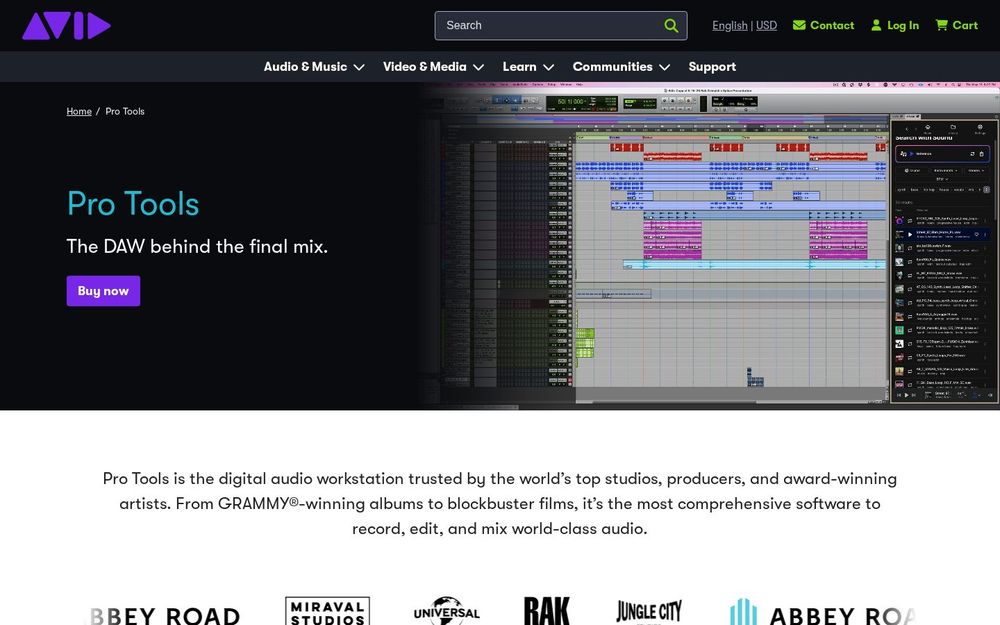
Caption: avid.com/pro-tools on Oct 31, 2026.
Verdict: Pro Tools remains the common language of professional recording studios. If you plan to send sessions to engineers or work in commercial studios, it is the safest choice.
Key features: industry-standard audio editing and comping, Elastic Audio, large track counts on Studio and Ultimate, Dolby Atmos support, Avid Cloud Collaboration.
Pricing (as of Oct 31, 2026): avid.com lists Pro Tools Intro free (8 audio and 8 MIDI tracks), Artist $99/year (32 audio, 64 MIDI tracks), Studio $299/year (512 audio tracks, immersive mixing), and Ultimate $599/year.
Pros
- Studio-standard session format
- Fast, precise audio editing
- Free Intro tier to learn on
Cons
- Paid tiers are subscriptions
- Stock instruments are thinner than Logic or Ableton Suite
- MIDI and beat workflows feel secondary
Best for: recording engineers, bands, podcast and post-production pros. Skip if: you produce mostly in the box with MIDI.
What we noticed (docs check, Oct 31, 2026): the Artist tier caps you at 32 audio tracks, so bands tracking many mics should budget for Studio.
Official site: avid.com/pro-tools
5. Bitwig Studio 6 — best for sound design and modulation
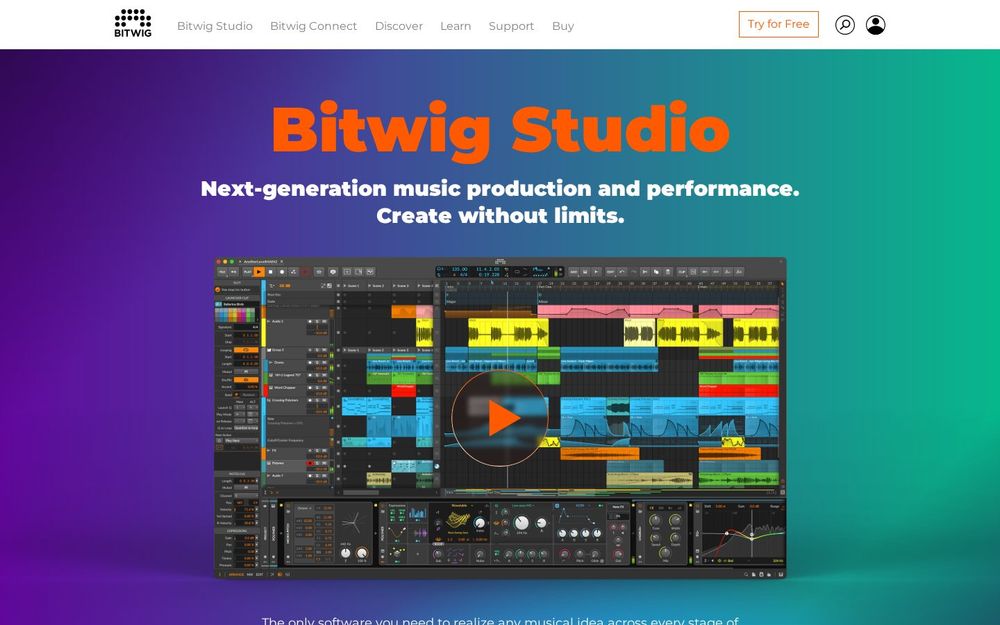
Caption: bitwig.com on Oct 31, 2026.
Verdict: Bitwig takes Ableton-style clip launching and adds a deep modulation system and The Grid, a modular environment for building your own instruments and effects. It also runs natively on Linux.
Key features: modulators on any parameter, The Grid (full edition), clip launcher plus arranger, MPE and MIDI/CV hardware integration, CLAP plugin support.
Pricing (as of Oct 31, 2026): bitwig.com lists Essentials USD 99 (51 devices), Producer USD 199 (105 devices) and Bitwig Studio USD 399 (188 devices, The Grid, 43 modulators). Each includes 12 months of free updates.
Pros
- Best-in-class modulation
- Windows, macOS and Linux
- Upgrade between editions without paying extra over the price difference
Cons
- Updates after 12 months require a renewal
- Smaller user base and tutorial pool
- No native video track
Best for: sound designers, electronic producers, Linux users. Skip if: you want a large studio-standard ecosystem.
What we noticed (docs check, Oct 31, 2026): the Bitwig shop states "All Bitwig Studio updates in the following 12 months are FREE" for every edition.
Official site: bitwig.com
6. REAPER — best value and most customizable
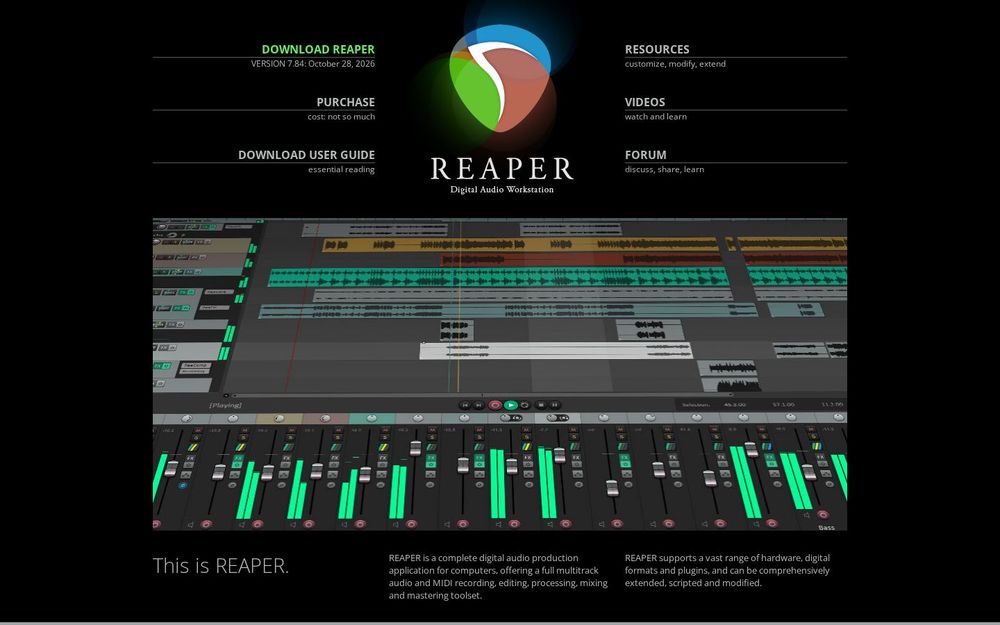
Caption: reaper.fm on Oct 31, 2026.
Verdict: REAPER is a full professional DAW for $60, light enough to run on older machines, and customizable down to every menu and shortcut.
Key features: flexible routing, scripting (ReaScript), themes and custom actions, portable installs, a 60-day full-function evaluation.
Pricing (as of Oct 31, 2026): reaper.fm lists a $60 discounted license (individuals and businesses with annual gross revenue under $20,000, or education/non-profit use) and a $225 commercial license.
Pros
- Extremely affordable
- Windows, macOS and Linux
- Small, fast and stable
Cons
- Few stock instruments and sounds
- Default look is plain until you add themes
- Customization can be overwhelming for beginners
Best for: home studios, engineers on a budget, power users. Skip if: you want a big sound library out of the box.
What we noticed (docs check, Oct 31, 2026): the purchase page ties the $60 license to annual gross revenue not exceeding USD $20,000.
Official site: reaper.fm
7. GarageBand — best free option for beginners
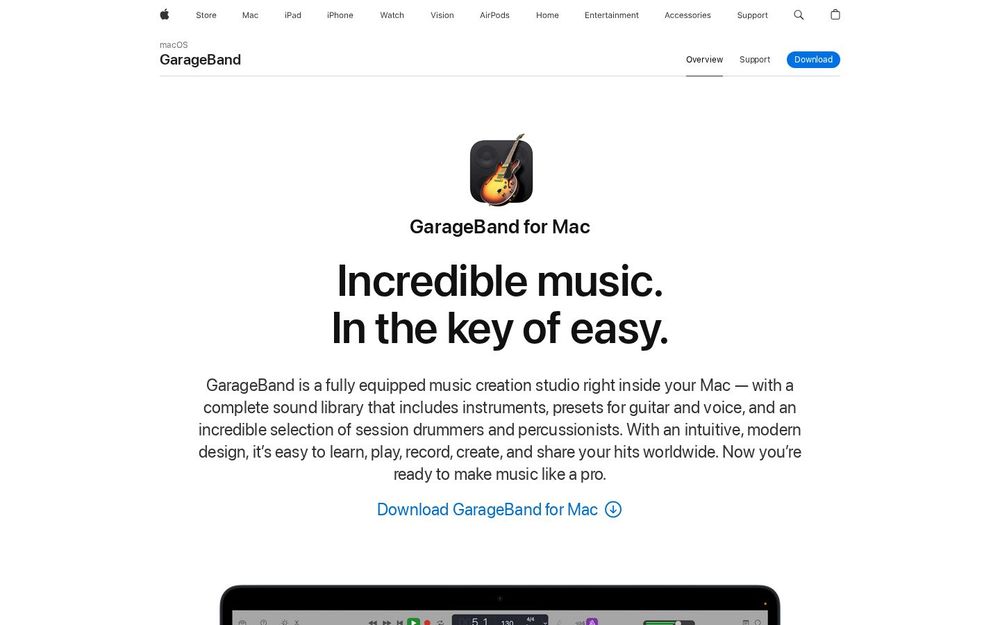
Caption: apple.com/mac/garageband on Oct 31, 2026.
Verdict: GarageBand is free on Mac, iPhone and iPad, and its projects open in Logic Pro, so you can start for nothing and upgrade without losing work.
Key features: Drummer, Live Loops (iOS), guitar amps, lessons, Logic-compatible projects.
Pricing: free from Apple.
Pros
- Free and beginner-friendly
- Smooth upgrade path to Logic Pro
- Works on iPhone for sketching ideas
Cons
- Apple devices only
- Limited mixing and editing tools
- No advanced automation or routing
Best for: first-time producers and kids on Apple devices. Skip if: you need professional mixing.
What we noticed (docs check, Oct 31, 2026): Apple's GarageBand page positions it as a "fully equipped music creation studio" included with Mac.
Official site: apple.com/mac/garageband
Comparison table
| DAW | Workflow | License | Entry-tier limit | Linux |
|---|---|---|---|---|
| Ableton Live 12 | Clip + linear | Perpetual | Intro: 16 tracks | No |
| FL Studio | Pattern + playlist | Perpetual, lifetime updates | Fruity: no audio recording | No |
| Logic Pro | Linear + Live Loops | Perpetual (Mac) | None | No |
| Pro Tools | Linear | Subscription (Intro free) | Intro: 8 audio / 8 MIDI tracks | No |
| Bitwig Studio 6 | Clip + linear + modular | Perpetual, 12 months updates | Essentials: 51 devices | Yes |
| REAPER | Linear, fully customizable | Perpetual | None | Yes |
| GarageBand | Linear + loops | Free | Basic mixing | No |
Scorecard (docs-based, out of 5)
| DAW | Workflow speed | Value | Stock sounds | Studio compatibility |
|---|---|---|---|---|
| Ableton Live 12 | 5 | 3.5 | 4.5 | 4 |
| FL Studio | 5 | 4.5 | 4 | 3.5 |
| Logic Pro | 4.5 | 5 | 5 | 4 |
| Pro Tools | 4 | 3 | 3 | 5 |
| Bitwig Studio 6 | 4.5 | 4 | 4 | 3 |
| REAPER | 4 | 5 | 2.5 | 4 |
| GarageBand | 4 | 5 | 3.5 | 2 |
Also considered
- Fender Studio Pro (formerly PreSonus Studio One): strong for guitarists and songwriters; left out to keep the list to seven.
- Cubase Pro: excellent for film scoring and MIDI editing; pricier and more complex than most readers need.
- Reason: great racks of instruments, now often used as a plugin inside other DAWs.
- BandLab: free and browser/mobile-based, good for collaboration, limited for serious mixing.
- AI music generators: tools such as Musicful on DirHunt create songs from prompts. They are useful for demos and ideas, but they are not DAWs and do not replace mixing and arrangement.
Which music production software should you choose?
- Electronic music or live sets: Ableton Live 12.
- Beats and hip-hop: FL Studio Producer Edition.
- Mac songwriter on a budget: GarageBand first, then Logic Pro.
- Recording bands or working with studios: Pro Tools.
- Sound design or Linux: Bitwig Studio 6.
- Tight budget on any OS: REAPER.
- Making music videos or visuals for releases: pair your DAW with a tool from our best video software guide, or add 3D visuals with our best 3D modeling software roundup.
FAQ
What is the best music production software for beginners?
GarageBand on Apple devices, FL Studio or Ableton Live Intro on Windows. All have large tutorial libraries.
What is the best free music production software?
GarageBand (Apple), Pro Tools Intro (8 audio tracks), and BandLab. REAPER's 60-day evaluation is fully functional.
Which DAW do professionals use?
Pro Tools dominates recording studios; Ableton Live and FL Studio are common in electronic and hip-hop production; Logic Pro is popular with songwriters and producers on Mac.
Is a one-time purchase DAW better than a subscription?
For most home producers, yes: Logic Pro, FL Studio, Ableton Live, Bitwig and REAPER are all perpetual licenses. Pro Tools paid tiers are subscriptions.
Can I switch DAWs later?
Yes. Audio stems and MIDI files move between all of them. Plugin settings and project files usually do not.
Methodology
Prices and edition limits come from the official vendor pages linked in each section, read on October 31, 2026 (Asia/Shanghai). We did not install or benchmark the DAWs for this article, so feature claims are docs-verified rather than hands-on tested. Screenshots are of the vendors' public websites on the same date. Prices exclude tax and may differ by region.
Changelog
- October 31, 2026: first published; prices checked for all seven DAWs.