By Yang Dan, DirHunt editor. Yang reviews creative and productivity software for DirHunt, reading vendor pricing pages, license terms and documentation line by line, and re-checks every published roundup against the official sites at least once a quarter. Last updated October 31, 2026.
There is no single best 3D modeling software for everyone. The right tool depends on what your model turns into: pixels (renders, animation, game assets) or a physical object (a printed part, a product, a building). This guide picks seven tools that cover those jobs, names who should skip each one, and lists prices as shown on official pages on October 31, 2026.
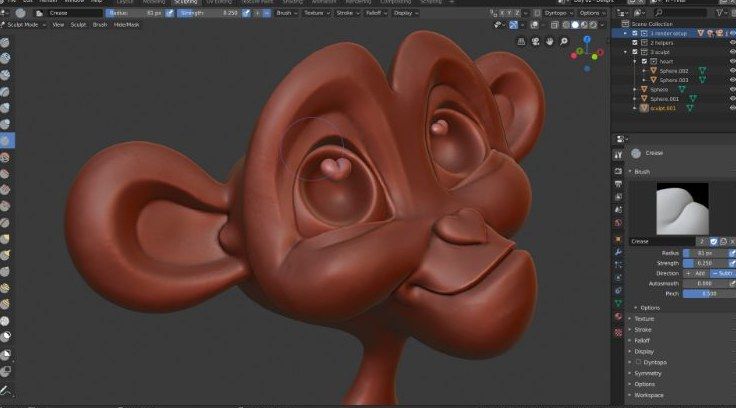
Caption: Blender's Sculpting workspace, as shown on blender.org/features/sculpting (captured Oct 31, 2026).
Quick picks: the best 3D modeling software in 60 seconds
| Tool | Best for | Price (as of Oct 31, 2026) | Platforms |
|---|---|---|---|
| Blender | Best free all-rounder | Free (GPL) | Windows, macOS, Linux |
| Autodesk Maya | Film, VFX and game animation pipelines | $2,010/year or $255/month | Windows, macOS, Linux |
| Cinema 4D | Motion design and brand visuals | Annual subscription; see maxon.net | Windows, macOS |
| ZBrush | Character and creature sculpting | Annual subscription; see maxon.net | Windows, macOS, iPad |
| Rhino 9 | NURBS, industrial and architectural forms | Perpetual license; upgrades from US$495 | Windows, macOS |
| Autodesk Fusion | Parametric CAD for parts and 3D printing | Free Personal use; paid commercial | Windows, macOS |
| SketchUp | Architecture and interiors | Go from $10.75/month (annual) | Web, Windows, macOS |
How we evaluated
We did not run a lab benchmark. This is a docs-verified comparison: on October 31, 2026 we read each vendor's product, pricing and license pages, captured screenshots of the official sites, and cross-checked claims against three current competitor roundups (Maxon's own guide, 3DPrinting.com and Dupple). Where a price is rendered by JavaScript and we could not read it without a checkout, we say so instead of guessing.
We scored tools on five things:
- Output fit: does the tool's core modeling method (polygon, sculpt, NURBS, parametric solid, push-pull) match the job?
- Real cost: free tier, perpetual vs subscription, and what happens when you stop paying.
- Learning curve: how long until a newcomer makes something usable.
- Pipeline and export: FBX/OBJ/USD for animation, STEP/STL/3MF for manufacturing.
- Platform: Windows, macOS, Linux, iPad or browser.
Polygon, sculpt, NURBS or parametric: pick the method first
- Polygon/mesh modeling (Blender, Maya, Cinema 4D) is for anything rendered: games, film, motion graphics.
- Digital sculpting (ZBrush, Blender Sculpt) is for organic detail: characters, creatures, miniatures.
- NURBS surfaces (Rhino) are mathematically exact curves for jewelry, footwear, boats and facades.
- Parametric solids (Fusion) remember dimensions and history, so changing one number rebuilds the part. Use these when parts must fit together.
- Push-pull (SketchUp) is the fastest way to block out buildings and rooms.
1. Blender — best free 3D modeling software
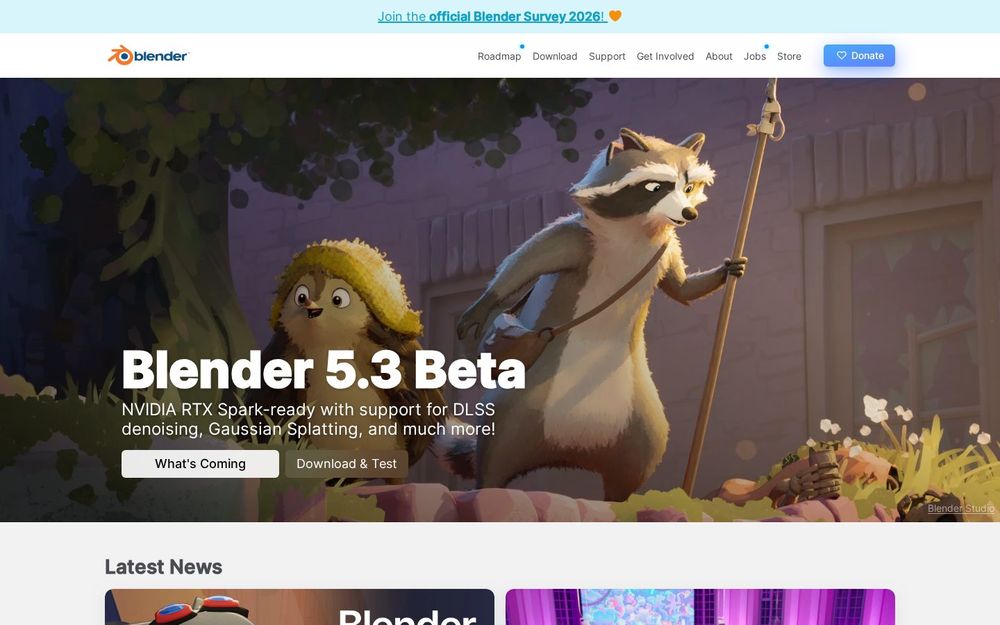
Caption: blender.org homepage on Oct 31, 2026, showing the Blender 5.3 beta announcement.
Verdict: Blender is the default starting point for most people. It covers modeling, sculpting, UV unwrapping, rigging, animation, simulation and rendering in one download, and it costs nothing for any use, commercial included.
Key features: polygon modeling with non-destructive modifiers, a dedicated Sculpting workspace with Dynamic Topology and multires, Geometry Nodes for procedural work, Cycles and EEVEE renderers, Grease Pencil 2D/3D drawing.
Pricing: free. Blender is released under the GNU GPL; the license page states you are free to use Blender "for any purpose", including commercial work.
Pros
- No license cost, no seat management, no account required
- One app from blockout to final render
- Huge tutorial ecosystem and add-on market
Cons
- Interface and shortcuts take weeks to learn
- No vendor support contract; studios rely on community or third parties
- Not a parametric CAD tool: weak choice for parts that must fit exactly
Best for: students, indie game artists, freelancers, small studios. Skip if: you design mechanical parts or need a vendor-backed SLA.
What we noticed (docs check, Oct 31, 2026): blender.org/about/license states the software is under the GPL, and the Features > Sculpting page lists a dedicated workspace with 20 brush types and multires support.
Official site: blender.org
2. Autodesk Maya — best for film, VFX and game animation
Verdict: Maya is still the standard in many film, TV and AAA game pipelines, especially for rigging and character animation. If a studio job posting asks for 3D animation, Maya is often listed.
Key features: polygon and subdivision modeling, industry-standard rigging and animation tools, Bifrost for procedural effects, Arnold renderer included, USD support, Python and MEL scripting.
Pricing (as of Oct 31, 2026): Autodesk's buy page lists $2,010/year ($168/month billed annually), $255 monthly, or Flex tokens billed per day of use. Autodesk also offers Maya Indie in eligible countries for low-revenue creators; check eligibility on autodesk.com.
Pros
- Deep animation and rigging toolset used by major studios
- Strong scripting for pipeline automation
- Arnold rendering included
Cons
- Expensive for solo users
- Subscription only: stop paying and you lose access
- Overkill for still renders or product visuals
Best for: animation students targeting studio jobs, VFX and game studios. Skip if: you are a hobbyist or need CAD precision.
What we noticed (docs check, Oct 31, 2026): the Maya buy page offers 1-year and 3-year terms; the 3-year price works out to almost the same yearly rate as the 1-year plan, so the longer term mainly locks in price rather than saving money.
Official site: autodesk.com/products/maya
3. Cinema 4D — best for motion design
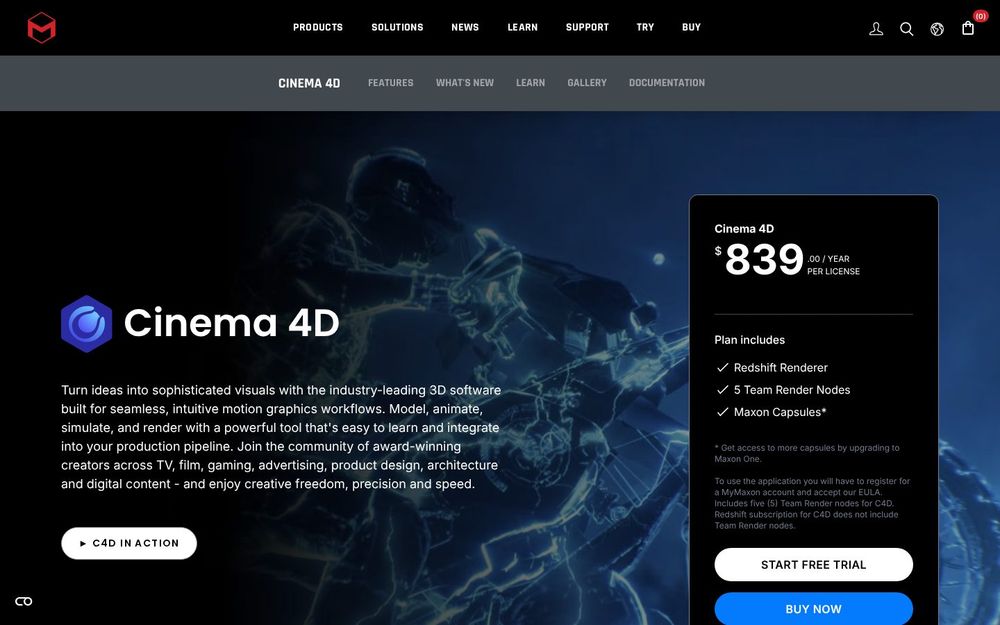
Caption: maxon.net Cinema 4D page with its buy panel, captured Oct 31, 2026.
Verdict: Cinema 4D is the easiest professional 3D package to learn, and its MoGraph toolset makes it the favorite of motion designers who work alongside After Effects.
Key features: MoGraph cloners and effectors, procedural modeling and Scene Nodes, Redshift renderer bundled with Cinema 4D subscriptions, tight After Effects integration.
Pricing (as of Oct 31, 2026): sold as a subscription by Maxon, standalone or inside the Maxon One bundle (Cinema 4D, ZBrush, Redshift, Red Giant and more). Maxon shows the price in your local currency at checkout, so confirm on maxon.net. A 14-day trial is available.
Pros
- Friendly interface and logical menus
- MoGraph is still the fastest way to animate abstract and brand visuals
- Redshift included
Cons
- No perpetual license
- Character animation and rigging are less deep than Maya
- Price shown by region, which makes comparisons harder
Best for: motion designers, agencies, brand and product visual artists. Skip if: you need CAD or film-scale character work.
What we noticed (docs check, Oct 31, 2026): the Cinema 4D page shows the subscription buy panel directly beside the product hero, with annual and monthly options.
Official site: maxon.net/cinema-4d
4. ZBrush — best for character and creature sculpting
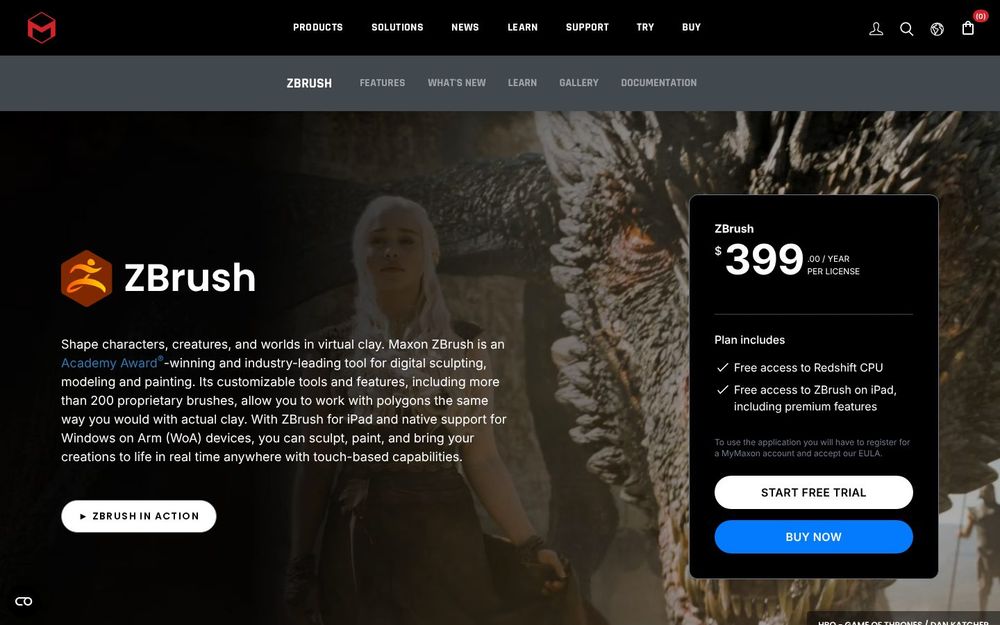
Caption: maxon.net ZBrush page, captured Oct 31, 2026.
Verdict: ZBrush handles millions of polygons with ease, which is why character artists, creature designers and collectible sculptors standardize on it.
Key features: DynaMesh and Sculptris Pro for free-form sculpting, ZRemesher for automatic retopology, Polypaint, and ZBrush for iPad on the same subscription.
Pricing (as of Oct 31, 2026): annual subscription through Maxon (also included in Maxon One). Maxon displays regional pricing on its buy page.
Pros
- Unmatched high-poly sculpting performance
- Retopology and detailing tools built in
- iPad version for sculpting away from the desk
Cons
- Interface is unlike any other 3D app
- Not meant for hard-surface precision or animation
- Subscription-only for new buyers
Best for: character artists, miniature and toy designers. Skip if: you mostly model buildings, products or machines.
What we noticed (docs check, Oct 31, 2026): maxon.net describes ZBrush as an Academy Award-winning tool for "digital sculpting" and links directly to the iPad edition from the same page.
Official site: maxon.net/zbrush
5. Rhino 9 — best for NURBS, industrial and architectural forms
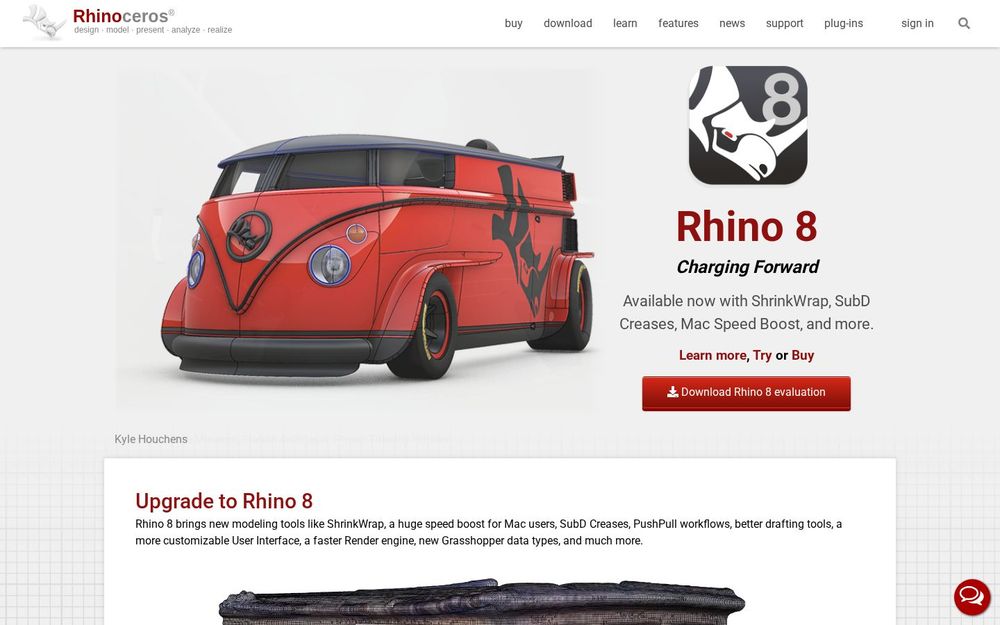
Caption: rhino3d.com homepage, captured Oct 31, 2026.
Verdict: Rhino models exact freeform surfaces and still sells a perpetual license. Add Grasshopper (included) and it becomes a powerful parametric design tool for architects and product designers.
Key features: NURBS curves, surfaces and solids, SubD modeling, Grasshopper visual programming, broad file support including STEP, IGES, DWG and STL.
Pricing (as of Oct 31, 2026): the North America sales page lists Rhino 9 for Windows and Mac as a perpetual single-user license, with an upgrade from older versions at US$495 and education pricing at US$195. A 90-day evaluation is offered.
Pros
- Buy once, no subscription
- Precise curves for jewelry, footwear, marine and facades
- Grasshopper included at no extra cost
Cons
- No history-based parametric timeline like Fusion
- Rendering and animation are basic
- Learning NURBS concepts takes time
Best for: industrial designers, architects, jewelers. Skip if: you animate characters or need assemblies with drawings.
What we noticed (docs check, Oct 31, 2026): rhino3d.com notes that evaluation versions are not upgradable, so buy a full license if you plan to upgrade later.
Official site: rhino3d.com
6. Autodesk Fusion — best for parametric CAD and 3D printing
Verdict: Fusion combines parametric CAD, CAM and simulation in one app. For makers who need parts that fit and print cleanly, it is the natural step up from Tinkercad.
Key features: sketches with constraints, a design timeline that rebuilds parts when you change a dimension, assemblies, CAM toolpaths, STL/3MF/STEP export.
Pricing (as of Oct 31, 2026): Autodesk offers Fusion for Personal Use free for qualifying non-commercial users, with limits (Autodesk documents a cap of 10 active editable documents and reduced features). Commercial use needs a paid subscription; check autodesk.com for the current price.
Pros
- Real parametric CAD free for hobbyists
- CAM and simulation in the same file
- Watertight solid output for 3D printing
Cons
- Personal license limits and periodic renewal
- Cloud-centric file storage
- Not suited to organic sculpting or film animation
Best for: makers, engineers, product startups. Skip if: your output is a render or animation.
What we noticed (docs check, Oct 31, 2026): Autodesk's personal-use page restricts the free license to non-commercial use; we could not load the commercial price without the regional storefront, so we omit an exact figure.
Official site: autodesk.com/products/fusion-360
7. SketchUp — best for architecture and interiors
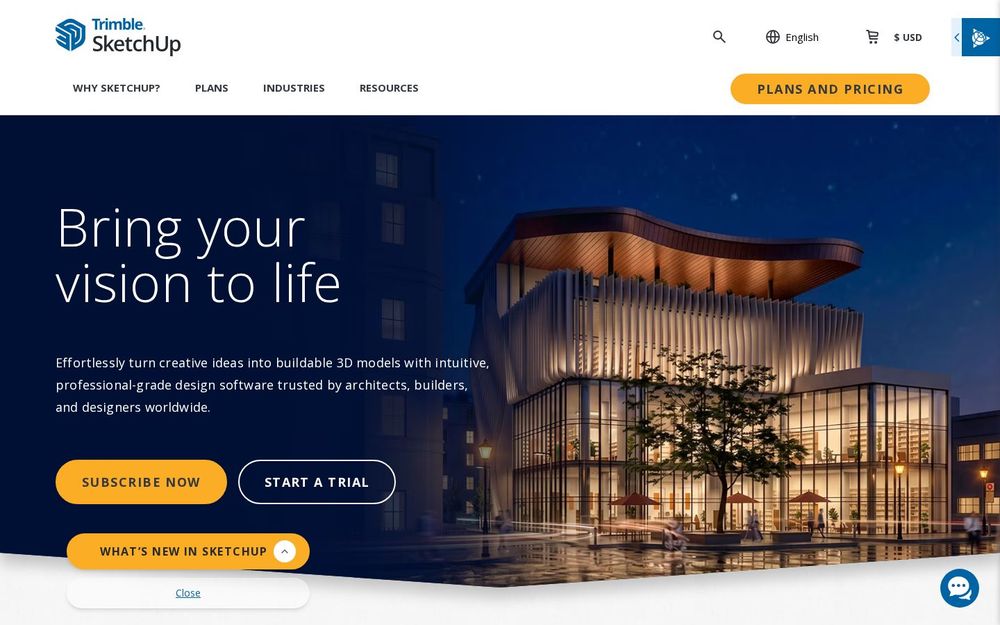
Caption: sketchup.com homepage, captured Oct 31, 2026.
Verdict: SketchUp's push-pull modeling is the fastest way to turn floor plans into 3D rooms and buildings, and the 3D Warehouse supplies ready-made furniture and fixtures.
Key features: push-pull modeling, 3D Warehouse, LayOut for construction documents (Pro), Revit and IFC import on higher tiers.
Pricing (as of Oct 31, 2026): sketchup.com lists Go at $10.75/month billed annually, Pro at $33.25/month billed annually, and Studio at $71.58/month billed annually.
Pros
- Very easy to learn
- Massive library of free models
- Browser and desktop options
Cons
- Weak at organic shapes and high-poly detail
- Best features locked to Pro and Studio
- Not a BIM tool on its own
Best for: architects, interior designers, woodworkers. Skip if: you sculpt, animate or need engineering CAD.
What we noticed (docs check, Oct 31, 2026): the plans page labels Pro as "Most popular" and offers education plans from $55 per user per year.
Official site: sketchup.com
Comparison table
| Tool | Modeling method | License model | Free option | Learning curve |
|---|---|---|---|---|
| Blender | Polygon + sculpt + nodes | Free, open source | Yes, full | Steep |
| Maya | Polygon + subdivision | Subscription / Flex | Trial; Indie where eligible | Steep |
| Cinema 4D | Polygon + procedural | Subscription | 14-day trial | Moderate |
| ZBrush | Sculpting | Subscription | Trial | Steep |
| Rhino 9 | NURBS + SubD | Perpetual | 90-day evaluation | Moderate |
| Fusion | Parametric solid | Subscription | Personal use (limited) | Moderate |
| SketchUp | Push-pull | Subscription | Free web version (limited) | Easy |
Scorecard (docs-based, out of 5)
| Tool | Output fit | Real cost | Learning curve | Pipeline/export |
|---|---|---|---|---|
| Blender | 4.5 | 5 | 3 | 4.5 |
| Maya | 5 (animation) | 2 | 2.5 | 5 |
| Cinema 4D | 4.5 (motion) | 3 | 4 | 4 |
| ZBrush | 5 (sculpt) | 3.5 | 2.5 | 4 |
| Rhino 9 | 5 (NURBS) | 4 | 3 | 4.5 |
| Fusion | 5 (CAD) | 4 | 3.5 | 4.5 |
| SketchUp | 4.5 (arch) | 3.5 | 5 | 3.5 |
Also considered
- Autodesk 3ds Max: strong for arch-viz and hard-surface on Windows, same list price as Maya; left out because it overlaps Maya and Blender for most readers.
- Houdini: the best procedural/FX tool, with a free Apprentice tier, but it is a simulation specialist rather than a general modeler.
- Plasticity: an artist-friendly CAD modeler with perpetual licenses; promising, but a narrower toolset than Rhino.
- Tinkercad: free and browser-based, great for kids and first 3D prints, too limited for a main tool.
- SolidWorks: an engineering standard for large assemblies; most readers here will start with Fusion instead.
Which 3D modeling software should you choose?
- No budget, want to learn 3D: Blender.
- Aiming for a studio animation job: Maya (and learn Blender alongside it).
- Motion graphics for brands and social: Cinema 4D. If you also edit the final videos, see our best video software guide.
- Characters, creatures, miniatures: ZBrush, or Blender Sculpt if you want free.
- Jewelry, footwear, product surfaces, facades: Rhino 9.
- 3D printing functional parts: Fusion.
- Buildings and interiors: SketchUp.
- Starting from 2D sketches or concept art first: pair any of these with a tool from our best free drawing software roundup.
FAQ
What is the best 3D modeling software for beginners?
SketchUp is the easiest for buildings and rooms, Tinkercad for first 3D prints, and Blender if you want one free tool you can grow into.
Is Blender good enough for professional work?
Yes. Blender is used commercially by freelancers and studios, and its GPL license allows commercial use. Studios that need vendor support contracts still tend to pick Maya or 3ds Max.
What 3D modeling software do professionals use?
It depends on the industry: Maya and Houdini in film and games, Cinema 4D in motion design, ZBrush for characters, Rhino and SolidWorks in product design, SketchUp and Revit in architecture.
Is there a one-time purchase 3D modeling program?
Rhino 9 is sold as a perpetual license. Blender is free. Most Autodesk and Maxon tools are subscription-only.
What is the best 3D modeling software for 3D printing?
Fusion for functional parts that must fit; Blender or ZBrush for organic models and miniatures.
Methodology
Prices and license terms were read on the official vendor pages listed in each section on October 31, 2026 (Asia/Shanghai). We did not install or benchmark the tools for this article, so every feature claim is docs-verified rather than hands-on tested. Screenshots are of the vendors' public websites on the same date. Prices may vary by country and exclude tax.
Changelog
- October 31, 2026: first published; prices checked for all seven tools.