Best AI for Writing Essays in 2026 (Outlines & Edits—Not Ghostwriting)
Author / Publisher: Yang Dan · Desk: Software Reviews Desk · Brand: DirHunt AI
Contact: reviews@dirhuntai.com · About: /about · Methodology: /methodology
Disclosure: No affiliate links. Every product link goes to an official vendor page.
Review type: Docs-verified against official product, pricing, education, and help pages. Hands-on classroom lab is limited this pass (no multi-week student writing diary).
Last updated: October 21, 2026 (Asia/Shanghai)
Looking for the best AI for writing essays that helps you plan, research, and revise—without turning into a silent ghostwriter you cannot defend in office hours? In 2026 that phrase usually means a stack: a chat model for outlines and feedback, a cited research tool for sources, and a line editor for grammar and tone—used under your school’s academic-integrity rules.
We compared six tools against official product and pricing pages as of October 21, 2026—our shortlist for the best AI for writing essays this season—with one editorial north star: assistance beats substitution. Outlining, counter-argument checks, source discovery, and proofreading sit on the safer side of most US syllabi. Pasting an AI-generated final essay as your own work does not.
How to choose in 60 seconds
- Need brainstorming, outlines, and draft feedback → ChatGPT. - Want careful critique of a long essay draft → Claude. - Need grammar, clarity, and tone on your sentences → Grammarly. - Writing a research essay and need sources to open → Perplexity. - Drafting inside Google Docs / Classroom → Google Gemini. - Want help rephrasing your own sentences (not hiding AI text) → QuillBot.
Quick picks
| Need | Pick |
|---|---|
| Best overall essay AI | ChatGPT (DirHunt item) |
| Best long-draft critique | Claude (DirHunt item) |
| Best line editing / proofreading | Grammarly (DirHunt item) |
| Best cited research for essays | Perplexity |
| Best Google Docs essay workflow | Google Gemini |
| Best paraphrase assist (use carefully) | QuillBot |
Table of contents
- How to Choose in 60 Seconds (box above)
- What “AI for Writing Essays” Means in 2026
- Academic Integrity: Outline & Rewrite vs Ghostwriting
- How We Evaluated
- Quick Comparison Table
-
- ChatGPT
-
- Claude
-
- Grammarly
-
- Perplexity
-
- Google Gemini
-
- QuillBot
- Comparison Table (Pricing & Limits)
- Also Considered
- Which Tool Should You Choose?
- FAQ
- Methodology & Update Notes
- Related Reading
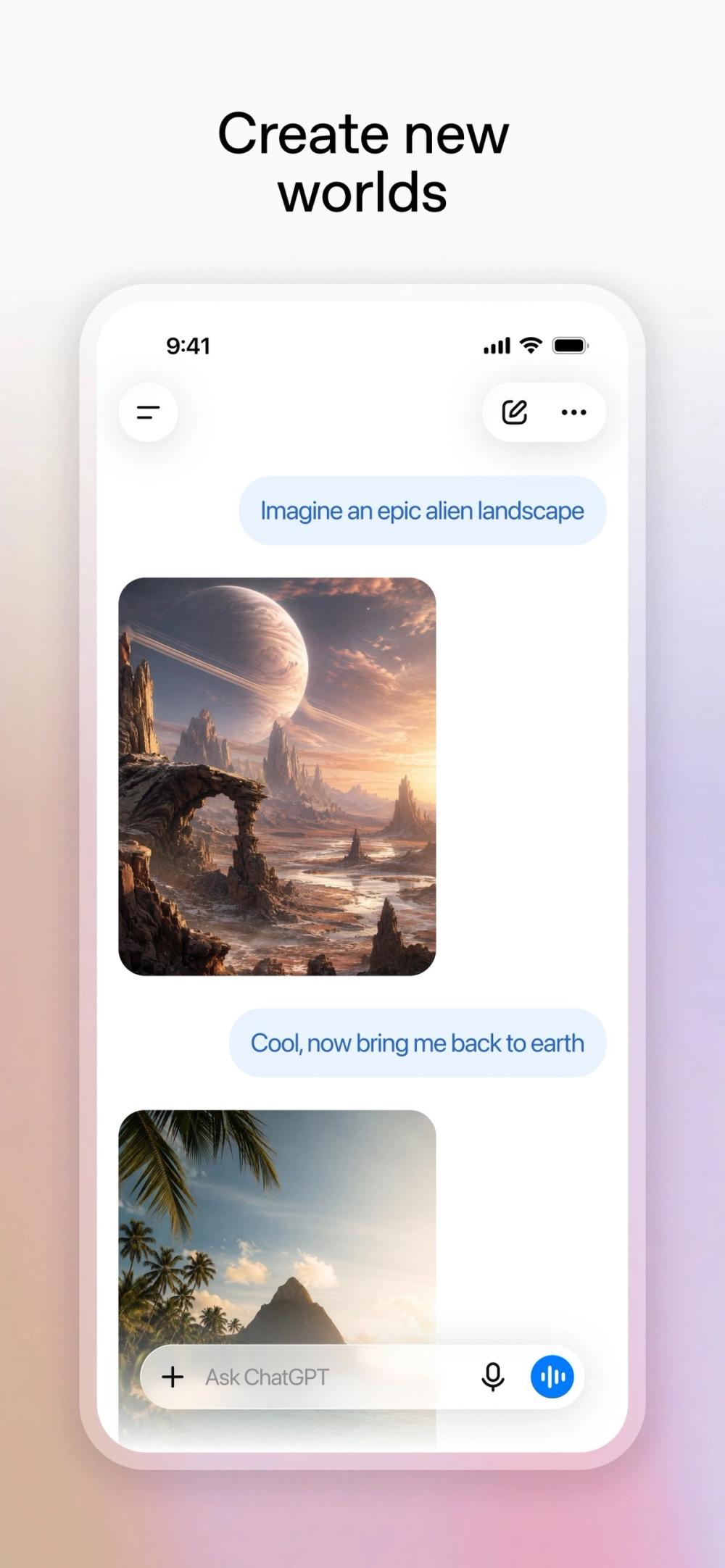
Caption: ChatGPT product UI (App Store marketing screenshot). Docs-verified Oct 21, 2026. Used as list hero — essay-planning assistant framing, not a logo collage.
What “AI for Writing Essays” Means in 2026
AI for writing essays is an umbrella for tools US students use across the essay pipeline: topic brainstorming, thesis and outline help, source discovery, draft feedback, paraphrasing of your notes, and final proofreading. It overlaps with—but is not the same as—general writing software.
| Category | Typical focus | Overlap with this guide |
|---|---|---|
| Essay chat assistants | Outlines, counter-arguments, draft critique | High (ChatGPT, Claude, Gemini) |
| Cited research chat | Answers with links you must verify | High for research papers (Perplexity) |
| Grammar / tone layers | Line edits on your prose | High (Grammarly) |
| Paraphrasers | Reword existing text | Conditional (QuillBot)—integrity risk if misused |
| Long-form writing apps | Binder, corkboard, compile | Adjacent—see best writing software 2026 |
| “AI essay writer” mills | Prompt → submit-ready paper | Out of scope / not recommended |
Editorial boundary: this guide is for essay assistance—planning, research, and revision—not for buying a finished paper. Composition environments (Scrivener, Word, Ulysses, Google Docs as a document host) live in our writing-software roundup; here we rank the AI layer that sits on top of that workflow.
Academic Integrity: Outline & Rewrite vs Ghostwriting
This is the decision that matters more than brand logos. Policies differ by school and instructor—always follow your syllabus—but most US academic-integrity codes draw a similar line:
| Pattern | What it looks like | Typical risk | Prefer |
|---|---|---|---|
| Outline / brainstorm | Thesis options, section map, “what am I missing?” | Usually lower if you still write the prose | ChatGPT, Claude, Gemini |
| Feedback on your draft | Rubric-style critique, weak-paragraph flags | Usually lower if you revise | Claude, ChatGPT, Grammarly |
| Research with sources | Links you open, read, and cite yourself | Low–medium; verify every citation | Perplexity |
| Line edit / proofread | Grammar, clarity, tone on sentences you wrote | Often treated like spell-check | Grammarly |
| Paraphrase your notes | Reword a paragraph you drafted from a source you cite | Medium—cite the source; don’t “launder” AI text | QuillBot (careful) |
| Ghostwriting | AI writes the essay you submit as yours | High — academic misconduct | Do not |
Honesty note for students and parents: using AI to think through the assignment is different from using AI to replace the writing. Running an AI draft through a paraphraser to dodge detectors is still submitting AI work. When in doubt, ask the instructor before you upload unpublished prompts or course materials into a third-party tool.
How We Evaluated
We ranked tools for US high-school and college students shopping the best AI for writing essays—and comparing options for tonight’s paper—not enterprise LMS procurement.
Criteria
- Fit to a clear essay job — Outline, critique, research, proofread, or paraphrase.
- Integrity posture — Does the product make learning / editing the primary path, or finished-paper generation?
- Honest free / paid model — Published list prices and free-tier limits (as of Oct 21, 2026).
- Source / draft handoff — Can you take output into Docs/Word and own the revision?
- Hallucination / citation risk — Especially for research essays.
Honesty note (not “Tested” theatre): This pass is docs-verified. We opened official product, pricing, education, and help pages dated around October 21, 2026 (Asia/Shanghai) and cross-checked mainstream 2026 student writing roundups (AI Reiter / AI Readily / Vertech Academy-style student AI writing guides). We did not run a controlled multi-week classroom writing study or timed essay labs. Where a dollar amount could not be confirmed on a live US pricing surface (notably some JS-rendered checkout rates), we omit or flag rather than invent.
Quick Comparison Table
| Tool | Best for | Free path? | Paid starting point (as of Oct 21, 2026) | Integrity note |
|---|---|---|---|---|
| ChatGPT | Outlines + draft feedback | Yes | Go ~$8/mo; Plus ~$20/mo | High risk if you submit its sentences |
| Claude | Long essay critique | Yes | Pro $20/mo or $17/mo annual ($200/yr) | Same—use for feedback, not paste-submit |
| Grammarly | Line edit / proofread | Yes | Pro from about $12/mo | Usually lower risk on your draft |
| Perplexity | Cited research | Yes | Pro commonly ~$20/mo (confirm checkout) | Verify every link before citing |
| Google Gemini | Docs / Classroom workflow | Yes | Google AI Plus $4.99/mo; Pro $19.99/mo | Same as other chat models if you paste-submit |
| QuillBot | Paraphrase assist | Yes (word caps) | Premium $8.33/mo billed annually | High if used to launder AI or uncited sources |
1. ChatGPT — Best overall AI for essay planning and feedback
Official: chatgpt.com · Pricing: openai.com/chatgpt/pricing · Study Mode: openai.com/index/chatgpt-study-mode · DirHunt: ChatGPT item page
Caption: ChatGPT product UI asset used for essay-outline workflow framing. Docs-verified Oct 21, 2026.
Verdict: If you want one default best AI for writing essays in 2026, start with ChatGPT—for planning and critique, not for “write my 5-page paper.” Ask for thesis options, a section outline, a counter-argument checklist, or a rubric-style review of your draft. Study Mode (listed on Free+ plans on the official pricing matrix) steers toward Socratic help rather than dumping finished answers—useful when you are stuck on structure.
Key features / Pricing
- Free unlimited everyday text chats (subject to abuse guardrails); paid Go, Plus, and Pro expand models, uploads, and tools.
- US consumer list prices commonly cited: Go ~$8/mo, Plus ~$20/mo (web) / $19.99 App Store IAP; Pro much higher—usually unnecessary for essays.
- File uploads and Projects help keep a semester’s prompts organized (availability expands on paid tiers).
- Study mode appears on Free, Go, Plus, and Pro on the Oct 21, 2026 pricing feature matrix.
Docs check (Oct 21, 2026): Official pricing + Study Mode pages. Dollar amounts cross-checked with App Store IAP labels when marketing pages hid numerals behind JS.
Pros
- Fast outlines, thesis variants, and “what’s missing?” feedback.
- Strong free tier for casual essay planning.
- Study Mode supports learning-first prompts.
Cons
- Easy to misuse as a ghostwriter—policy risk is on you.
- Can invent citations or sound confident when wrong—verify facts.
- Peak-hour free limits can throttle long revision sessions.
Best for / Who should skip
- Best for: Students who need a flexible brainstorming and feedback partner.
- Skip if: You mainly need cited research links (prefer Perplexity) or keyboard-only polish (prefer Grammarly).
What we noticed
ChatGPT wins the overall best AI for writing essays slot because the essay workflow is conversational: outline → write yourself → paste a section for critique → revise yourself. That loop matches how US syllabi increasingly describe allowed AI use.
2. Claude — Best AI for long essay draft critique
Official: claude.ai · Pricing: anthropic.com/pricing · DirHunt: Claude item page
Caption: Claude product UI / marketing visual. Docs-verified Oct 21, 2026.
Verdict: When your draft is already 1,500–4,000 words and you need structural feedback—thesis clarity, evidence gaps, transitions, tone—Claude is the careful reader on this list. Upload or paste your draft and ask for a professor-style review with specific quotes from your text. Do not ask it to rewrite the whole paper and submit that rewrite.
Key features / Pricing
- Free chat on web, desktop, and mobile with web search and Artifacts (usage-limited).
- Pro: $20/mo monthly, or $17/mo effective with annual ($200 billed up front) per Anthropic’s pricing page.
- Large context windows (up to ~1M tokens depending on model—varies) help with full-paper review.
- Projects help organize readings and draft versions on paid plans.
Docs check (Oct 21, 2026): Consumer Free / Pro / Max prices read from anthropic.com/pricing.
Pros
- Strong long-document critique and argument analysis.
- Clear published Pro pricing (monthly vs annual).
- Useful for humanities and social-science essay structure.
Cons
- Same integrity risk as any chat model if you paste-submit.
- Not a citation search engine—pair with Perplexity for sources.
- Free usage can tighten at peak times.
Best for / Who should skip
- Best for: Students revising a complete draft before submission.
- Skip if: You only need grammar underlines (Grammarly) or live web citations (Perplexity).
What we noticed
Student roundups in 2026 repeatedly put Claude ahead for feedback quality on long essays. Treat it like a demanding TA: ask questions, take notes, rewrite yourself.
3. Grammarly — Best AI line editor for essays you already wrote
Official: grammarly.com · Plans: grammarly.com/plans · DirHunt: Grammarly item page
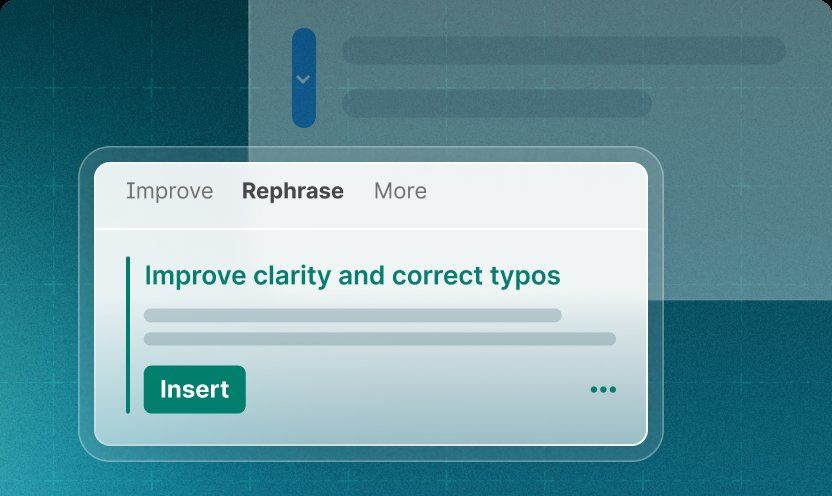
Caption: Grammarly paragraph rewrite / editor product UI. Docs-verified Oct 21, 2026.
Verdict: Grammarly is the integrity-friendly closer: it polishes sentences you wrote. Most US instructors treat basic grammar/spell assistance like a better spell-check. Pro adds full-sentence rewrites, tone, plagiarism/AI-detection features, and higher generative prompt allowances—still use those as suggestions, not as a way to generate the essay from scratch.
Key features / Pricing
- Free $0: core grammar/spelling; limited generative prompts (100/mo on the compare table).
- Pro from about $12/mo on the official plans page (Oct 21, 2026); generative prompts rise to 2,000/member/month on the compare table.
- Browser, desktop, Docs/Word integrations, and mobile keyboard.
- Pro marketing includes plagiarism and AI-generated text detection—useful for accidental overlap checks, not as a guarantee you’ll pass any detector.
Docs check (Oct 21, 2026): grammarly.com/plans Free vs Pro cards and feature compare table.
Pros
- Works where you already write (Docs, Word, browser).
- Clear free → Pro path; education discounts mentioned on plans FAQ.
- Lowest “ghostwriting temptation” of the main six when used as a checker.
Cons
- Not a research or outlining brain.
- Generative rewrite features can still produce text that isn’t “yours” if you over-accept.
- Deep manuscript reports are thinner than specialist tools like ProWritingAid (see writing-software guide).
Best for / Who should skip
- Best for: Final proofreading and clarity passes on your own draft.
- Skip if: You still need a thesis and outline (start with ChatGPT/Claude).
What we noticed
If your school explicitly allows “grammar checkers,” Grammarly is the default. Keep generative prompts for optional rephrase suggestions, then edit the suggestion so the voice stays yours.
4. Perplexity — Best AI for research essays with sources to verify
Official: perplexity.ai · Pro: check in-product billing
Caption: Perplexity product UI / marketing visual for cited research. Docs-verified Oct 21, 2026.
Verdict: Research essays fail when sources are fake or unread. Perplexity shines when you need links attached to answers—then you open the sources, read them, and cite the originals in MLA/APA/Chicago yourself. It is not a substitute for your library database, and it is not an excuse to skip reading.
Key features / Pricing
- Free tier with limited Pro Search / advanced modes per day (exact caps are in-product—treat third-party “N searches/day” figures as approximate).
- Pro commonly ~$20/mo (or promotional annual rates around ~$17/mo equivalent in secondary Oct 2026 roundups)—confirm live checkout.
- Follow-up threads, file uploads on paid tiers, and collection-style research workflows.
Docs check (Oct 21, 2026): Product marketing + prior DirHunt docs checks; Pro checkout numerals can be JS-rendered—flagged above.
Pros
- Inline citations you can click and verify.
- Fast topic mapping for lit reviews and background sections.
- Pairs cleanly with ChatGPT/Claude for outline → draft → critique.
Cons
- Citations can still be wrong, thin, or non-scholarly—verify.
- Weaker as a pure prose rewrite partner.
- Not ideal if your professor requires only library databases.
Best for / Who should skip
- Best for: Finding and sorting candidate sources before you write.
- Skip if: The assignment bans external AI research tools—follow the syllabus.
What we noticed
Best practice: Perplexity for source discovery → library PDF for reading → your notes → your prose → Grammarly for polish. Never cite a link you did not open.
5. Google Gemini — Best AI for essays inside Google Docs
Official: gemini.google.com · Plans: Google AI plans
Caption: Google Gemini product UI / marketing visual. Docs-verified Oct 21, 2026.
Verdict: If your class already lives in Google Classroom + Docs, Gemini is the assistant that meets you there—outline help in chat, then Gemini in Docs (expanded on paid Google AI plans) for in-document drafting and refinement. Same integrity rule: use it to improve your structure and clarity, not to generate a submit-ready essay in one click.
Key features / Pricing
- Free Gemini app / web access with Google account (limits apply; age restrictions on some AI features).
- Google AI Plus $4.99/mo (400 GB) — more Gemini access, proofreading help in Gmail, study features.
- Google AI Pro $19.99/mo (5 TB) — expanded models, Deep Research, Gemini in Docs/Sheets, and higher limits (official Google One AI plans page, Oct 21, 2026).
- Strong multimodal help (photo of a prompt sheet, whiteboard notes).
Docs check (Oct 21, 2026): one.google.com/about/google-ai-plans US cards for Plus $4.99 and Pro $19.99.
Pros
- Natural fit for Docs-centric US schools.
- Transparent Plus / Pro list prices with storage bundles.
- Handy for multimodal prompts (handwritten outline photos).
Cons
- Feature age gates and regional limits apply—check Google’s footnotes.
- Can still hallucinate facts/citations.
- iOS / Android / web parity is not always identical.
Best for / Who should skip
- Best for: Students whose essays already live in Google Docs.
- Skip if: Your school is Microsoft 365-first (consider Copilot under Also considered) or you need deep manuscript binder tools (writing-software guide).
What we noticed
Gemini’s edge is workflow location, not magical essay quality. Stay in Docs, keep version history, and you’ll have a clearer record of your revisions if an instructor asks how AI was used.
6. QuillBot — Best paraphrase assist (with the strongest integrity caveats)
Official: quillbot.com · Premium: quillbot.com/premium · Help: Premium pricing FAQ
Caption: QuillBot App Store product screenshot (paraphraser / writing keyboard framing). Docs-verified Oct 21, 2026.
Verdict: QuillBot earns a main-list seat because US students actually search for paraphrase help—but it is also the tool most likely to be misused. Legitimate use: you read a source, draft a paraphrase in your notes, then use QuillBot to improve clarity while keeping the citation. Illegitimate use: rewrite an AI essay or an uncited source to dodge plagiarism/AI detectors.
Key features / Pricing
- Free: paraphrase up to 125 words, 2 modes, basic grammar; limited Humanizer / AI Detector access (premium page compare table).
- Premium: $8.33/mo billed annually on the official Premium page (Oct 21, 2026); monthly/quarterly options exist—region may change checkout numerals (Help Center).
- Premium adds unlimited paraphrasing, more modes, stronger grammar, plagiarism prevention allowances, unlimited AI Detector, etc.
- Chrome/Edge extensions, Word add-in, mobile keyboards.
Docs check (Oct 21, 2026): quillbot.com/premium Free vs Premium cards; Help Center confirms regional pricing variance.
Pros
- Affordable annual Premium vs $20 chatbot tiers.
- Useful synonym/mode exploration when you already understand the source.
- Citation tools on the platform (still verify style guides).
Cons
- Highest misuse risk on this list.
- Free word caps are tight for long essays.
- “Humanize” features are a red flag if your goal is detector evasion.
Best for / Who should skip
- Best for: ESL / clarity polish on paragraphs you drafted and will cite.
- Skip if: Your syllabus bans paraphrasing tools, or you were about to feed it an AI-written essay.
What we noticed
If you only remember one rule from this article: paraphrase sources you read, not AI outputs you want to hide.
Comparison Table (Pricing & Limits)
| Tool | Free highlights | Paid list (USD, as of Oct 21, 2026) | Essay job |
|---|---|---|---|
| ChatGPT | Everyday chats; Study Mode listed Free+ | Go ~$8/mo; Plus ~$20/mo; Pro higher | Outline + feedback |
| Claude | Limited free chat | Pro $20/mo or $17/mo annual ($200/yr) | Long draft critique |
| Grammarly | Basic checks; 100 AI prompts/mo | Pro ~$12/mo; 2,000 prompts/mo | Proofread |
| Perplexity | Daily caps on advanced search | Pro ~$20/mo (confirm) | Research + links |
| Gemini | Free Gemini app | Plus $4.99/mo; Pro $19.99/mo | Docs workflow |
| QuillBot | 125-word paraphrase; 2 modes | Premium $8.33/mo annual | Careful paraphrase |
Prices exclude tax; App Store IAP can differ by a few cents; promotional banners change—confirm at checkout.
Also Considered
| Tool | Why it’s adjacent | Why not main six |
|---|---|---|
| Microsoft Copilot | Strong if your school is Microsoft 365 / Word | Ecosystem pick; covered more in productivity roundups |
| Wordtune | Rewrite suggestions similar to QuillBot | Overlaps QuillBot; thinner US “essay AI” search demand |
| Jenni AI / “AI essay writers” | Market themselves for academic drafts | Too close to ghostwriting for our editorial boundary |
| Notion AI | Notes → outline | PKM-first, not essay-first |
| Scribbr / citation helpers | Citation generators & plagiarism checks | Narrower job; pair with Grammarly/Perplexity |
| Jasper | Marketing copy AI | Wrong audience for school essays |
| Apple Intelligence | On-device writing tools on supported iPhones | Not a downloadable “essay AI” product in the same sense |
Which Tool Should You Choose?
| Situation | Stack |
|---|---|
| Persuasive / literary analysis essay | ChatGPT outline → write → Claude critique → Grammarly |
| Research / term paper | Perplexity sources → read PDFs → write → Claude → Grammarly |
| Everything in Google Classroom | Gemini + Docs → Grammarly extension |
| ESL clarity pass | Your draft → QuillBot (cite sources) → Grammarly |
| Need a place to compose long chapters | See best writing software 2026 (Scrivener / Word / Docs)—then add this AI layer |
| Instructor bans generative AI | Grammarly-only (if spell-check allowed) or no AI—ask |
Minimum ethical stack for the best AI for writing essays on most US college papers: one planner (ChatGPT or Claude) + one research tool when needed (Perplexity) + Grammarly. Add QuillBot only if you understand the citation rules.
FAQ
Is using AI for essays cheating?
It depends on your syllabus—and on how you use the best AI for writing essays tools on this list. Many US schools now allow AI for brainstorming and feedback if you disclose it; almost none allow submitting AI-written text as your own. When unclear, ask before you start.
What is the best free AI for writing essays?
ChatGPT Free or Gemini Free for outlines/feedback, plus Grammarly Free for proofreading. Free tiers are enough for many high-school papers; paid tiers help with longer uploads and higher limits.
Can professors detect AI essays?
Detectors are imperfect (false positives and negatives both happen). The bigger risk is oral defense, process questions, and mismatched voice. Write the argument yourself.
Should I use QuillBot to humanize ChatGPT output?
No. That is still submitting AI-generated work with extra steps—and it is exactly the pattern many integrity offices watch for.
ChatGPT vs Claude for essays?
ChatGPT is the better everyday planner; Claude often feels stronger on full-draft critique. Many students use both without paying for both—Free tiers first.
Does Grammarly count as AI?
Grammarly includes generative features on Free/Pro. Basic grammar checking is widely permitted; generative rewrites may need disclosure. Read your course policy.
Methodology & Update Notes
- Review type: Docs-verified (official product, pricing, help, and education pages) as of October 21, 2026 (Asia/Shanghai).
- Not claimed: multi-week classroom RCTs, detector bake-offs, or “we submitted essays to 12 professors.”
- Sources cross-checked: OpenAI ChatGPT pricing + Study Mode; Anthropic Claude pricing; Grammarly plans; QuillBot Premium page + Help Center; Google One AI plans; Perplexity product surfaces; mainstream 2026 student AI-writing roundups for shortlist sanity (not as pricing authority).
- Changelog: 2026-10-21 — initial publication covering the best AI for writing essays keyword for US student search intent.
Related Reading
- Best Writing Software in 2026 — composition environments (Scrivener, Word, Ulysses, Google Docs as hosts) versus this AI assistance layer for essays
- Also on DirHunt: Best AI Apps for iPhone 2026 (mobile drafting) and the Writing & Text category hub