

LogoDirHunt AI
lazy-aws logo

Lazy AWS

Lazy AWS: Your AWS resources. One terminal.

Our verdict

Best for: macOS and Linux engineers who manage AWS from the terminal

Lazy AWS suits CLI-native engineers who already use AWS profiles and want a faster browser for resources. It is free/open source; Windows users are out of luck for now.

Free planYes
Paid plans from$0/mo
Last verifiedOctober 22, 2026
Reviewed byDirHunt AI EditorialDirHunt AI Editorial

Introduction

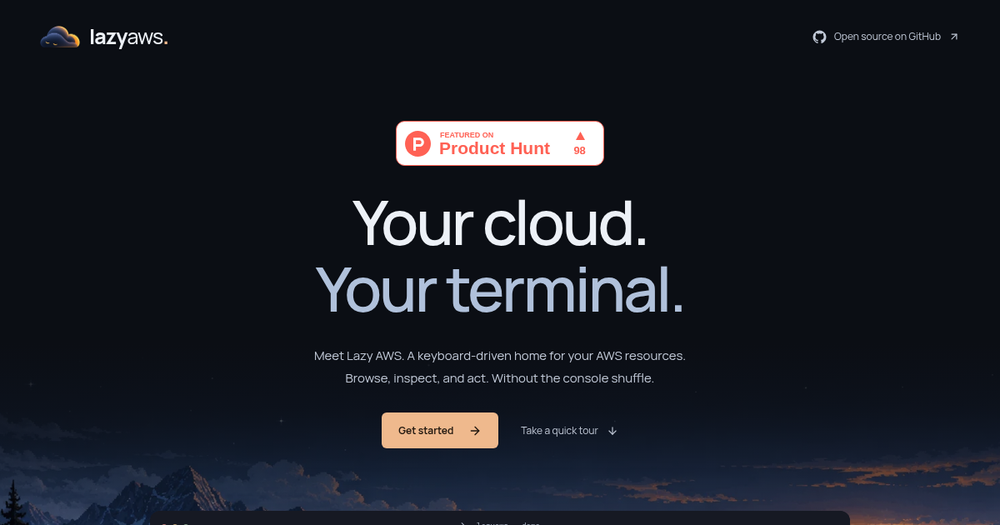
Lazy AWS is an open-source, keyboard-driven terminal UI for browsing and acting on AWS resources without bouncing through the web console. You inspect resources and run confirmed AWS CLI actions from the keyboard.

It supports macOS, Ubuntu, Arch Linux and Omarchy (Windows is not supported). Install via curl or Homebrew, try a local demo without credentials, then connect an AWS CLI v2 profile (including SSO).

Information

What Lazy AWS can do

01

Keyboard-first AWS UI

Browse and inspect resources without the console shuffle.

02

Confirmed CLI actions

Run AWS CLI actions with confirmation from the terminal.

03

Demo mode

Sample data with no AWS account required.

04

Open source

Install via curl or Homebrew; Windows not supported.

Pros

  • Open source
  • Works with existing AWS CLI profiles
  • Demo mode without credentials
  • Keyboard-driven

Cons

  • Windows not supported
  • Needs AWS CLI v2 for real accounts
  • Homepage is thin on feature depth beyond the tour

Lazy AWS pricing

Lazy AWS is free and open source. No paid plan is listed.

PlanPrice
Open source$0
View official pricingPricing verified on October 22, 2026.

Alternatives to Lazy AWS

Cursor logo

Cursor

An AI code editor for developers who write and own the code themselves.

GitHub Copilot logo

GitHub Copilot

An AI pair programmer inside existing IDEs.

Lazy AWS FAQs

Sources

Facts checked on October 22, 2026.

Latest Articles

Newsletter

Join the Community

Subscribe to our newsletter for the latest news and updates